How to Set Up a Fixed Asset Register for Your Business
A fixed asset register lists what your business owns, what it cost, where it is and what it is worth now. Here is how to set one up, who should own each step, and a checklist.
A fixed asset register is a list of everything your business owns and expects to use for more than a year, with what it cost, where it is, who has it and what it is worth now. To set one up, decide what counts as an asset, tag each item, record the same fields every time, and give one person ownership.
Key takeaways
- Record the same core fields for every asset: description, serial number, purchase date, cost, location, custodian, condition and proof of purchase.
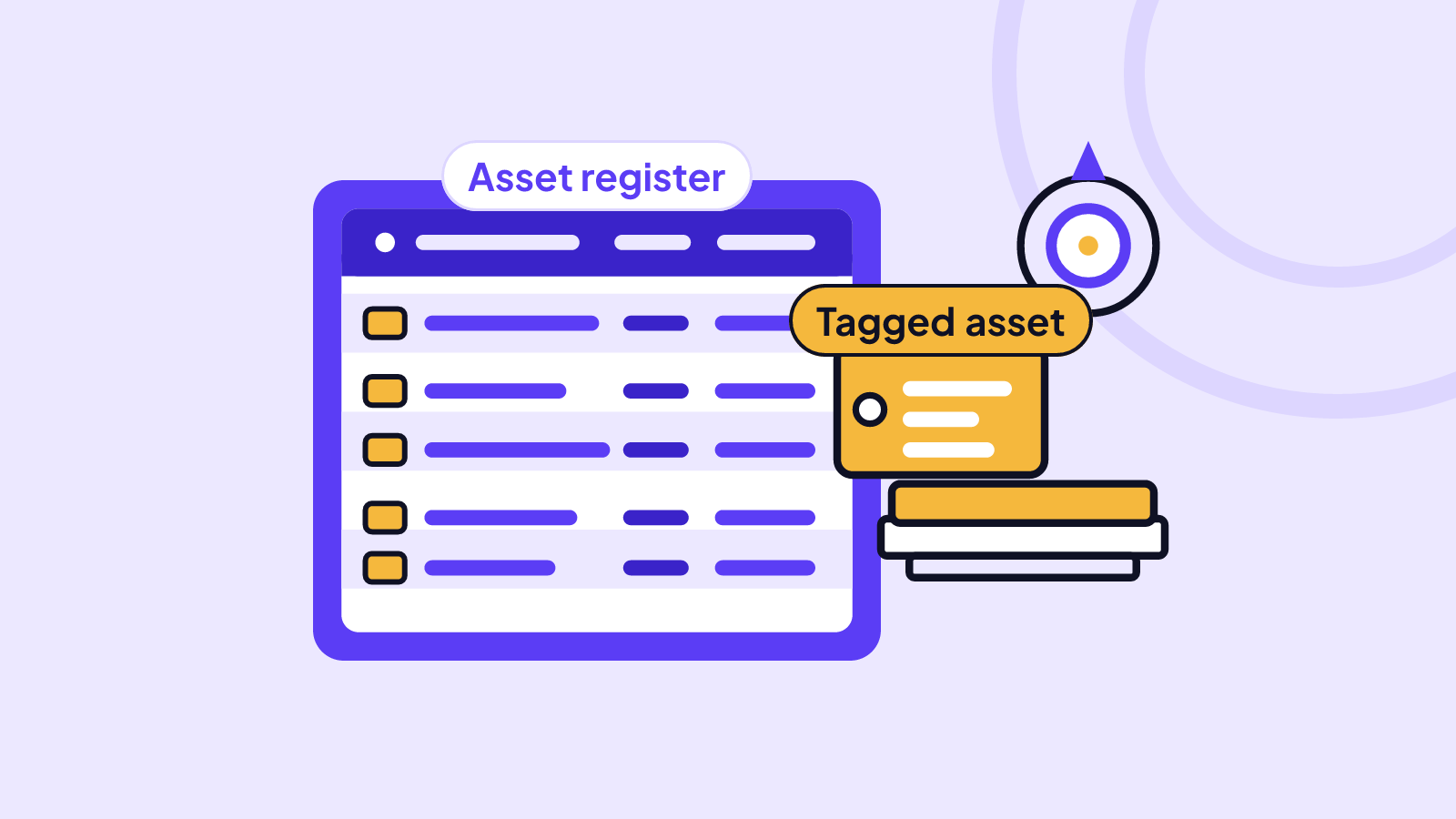
- Tag every item physically. An asset tag is a numbered label or code stuck on an item so you can match it to its line in the register.
- Give each step an owner, and count assets against the register on a schedule, not only when something goes missing.
- Record disposals and write-offs properly, with the reason, date and any sale proceeds.
- One good register serves your auditor, your lender, your tax return and your daily operations at once.
What is a fixed asset register, and what should it record?
A fixed asset register is the master list of your long-lived business items: vehicles, generators, machines, laptops, furniture, shop fittings, tools. It is not your stock for sale, which is usually tracked separately as inventory.
First decide a capitalisation threshold, which is the minimum cost at which an item goes on the register instead of being treated as an everyday expense. Many businesses pick a round figure, for example ₦100,000, but the right level depends on your size and your accountant's advice. Items below it, such as cheap chairs or phone chargers, can be tracked in bulk or left off.
For each asset, record:
- Asset tag number, a unique ID such as VAN-001 or LAP-014.
- Description, make, model and serial number.
- Purchase date, supplier and cost (including delivery and installation).
- Location (site, branch, room) and custodian (the person responsible).
- Condition and expected useful life.
- Current value and, over time, accumulated depreciation.
- Proof: the receipt or invoice, and photos of the item and its serial plate.
Photos matter more than people expect. A clear photo of the item with the tag visible settles most arguments about what exists and what state it was in.
Who should own each step?
A register fails when everyone assumes someone else updates it. Name an owner for each task:
- Finance manager: sets the threshold, approves additions, runs depreciation and signs off disposals.
- Operations or admin lead: tags new items, keeps locations current and runs the regular counts.
- Custodians (department heads, branch managers): confirm what is in their area and report damage, moves or losses straight away.
- Business owner or director: reviews the count differences and approves write-offs.
One rule helps a lot: the person who buys an asset should not be the only person who records or counts it. Separating those jobs is the simplest control against items quietly disappearing.
How do you stop assets going missing?
Most losses are not dramatic thefts. They are laptops that moved to someone's home, a generator lent to a sister site, or a tool nobody signed for. In Nigeria, add the everyday risks: market fires, flooding in the rains, power surges that ruin electronics, and theft. All of these are easier to deal with when you know exactly what you had.
Put these controls in place:
- Tag on arrival. Nothing enters service until it has a tag, a photo and a register line.
- Check-out and return. For laptops, phones and tools, record who took what, on what date, and the condition at return.
- Scheduled counts. Walk each site with the register and tick off every item. Small businesses typically count once or twice a year, and move higher-value or portable items to more frequent checks.
- Record differences. Never quietly fix a count. Note what was missing, who was asked, and the outcome.
- Approve movements. Moving an asset between sites or rooms needs a recorded update to its location.
Disposal means an asset leaves the business: it is sold, scrapped, donated, written off or stolen. For each one, record the date, the reason, who approved it, what you received (if anything), and the asset's value in the books at that moment. For a theft, keep the police report reference with the record.
How does depreciation work? A worked example
Depreciation is the spreading of an asset's cost over the years you expect to use it, so each year's accounts carry a fair share. The simplest method is straight-line: the same charge every year.
Say you buy a delivery van for ₦18,000,000. You expect to use it for 5 years and then sell it for about ₦3,000,000 (its residual value, the estimated worth at the end of its life).
- Depreciable amount: ₦18,000,000 minus ₦3,000,000 = ₦15,000,000
- Annual charge: ₦15,000,000 divided by 5 = ₦3,000,000 (about ₦250,000 a month)
Value in the books at each year end: Year 1 ₦15,000,000, Year 2 ₦12,000,000, Year 3 ₦9,000,000, Year 4 ₦6,000,000, Year 5 ₦3,000,000.
Now suppose you sell the van after 3 years for ₦10,500,000. Its book value is ₦9,000,000, so you record a gain on disposal of ₦1,500,000 and remove the van from the register.
Two cautions. Book value is not market value, and with a weaker naira and rising prices, the cost to replace an item can be far above what the books show, so review values regularly. Also, tax authorities typically apply their own capital allowance rates rather than your accounting depreciation, so confirm the treatment with your accountant.
How does one register serve the auditor, lender, tax return and operations?
- The auditor wants to see that assets exist, belong to you, and are recorded at the right amounts. A tagged, counted register with purchase proof and a trail of disposals makes year-end work faster and cheaper.
- The lender or lessor often asks for a schedule of assets when you seek a loan or equipment finance. A clean list with serial numbers, locations and values shows you manage what you own.
- The tax return needs accurate costs, purchase dates and disposal gains or losses. Your accountant should not have to reconstruct them from memory.
- Operations gets answers to daily questions: where is the second projector, who has the spare laptop, when was the generator last serviced?
The same data answers all four, which is why it pays to record it once, properly.
How do you build the register in VaultLog, and what is the checklist?
A spreadsheet works to start. VaultLog, VaultCova's asset register, does the same job with photos and documents attached to each item. You can log assets free (the Free Vault holds up to 30; larger plans hold more), attach receipts and photos, and download a branded schedule of assets as a PDF for your auditor or lender. On Individual and up you can view the vault by category and by location, which suits multi-site counts. On Pro and up you can import an existing list from Excel, PDF or Word by attaching it in chat, scan receipts to add purchases, track value changes over time and download value statements. Pro and Business accounts can add team members, so a Manager can run the register and Staff can log new assets. To see where this sits in the bigger picture, read what an e-inventory is and why it matters or what VaultCova is. For a simpler start at home, try the home inventory checklist.
A manager's checklist:
- Set a capitalisation threshold and write it down.
- Name an owner for additions, counts, depreciation and disposals.
- List every existing asset, site by site.
- Tag each item and photograph it with the tag visible.
- Attach the receipt or invoice, or note where it is kept.
- Record custodian, location, cost, date and useful life.
- Set up check-out and return for portable items.
- Count against the register on a fixed schedule and log every difference.
- Record every disposal, write-off and theft with reason and approval.
- Review values and depreciation at least once a year, before the audit.
Frequently asked questions
What is the difference between a fixed asset register and an inventory list?
A fixed asset register covers long-lived items you use to run the business, such as vehicles, machines and computers. An inventory list covers stock you hold to sell or use up. They are usually counted and valued differently, so keep them separate.
How often should I update my asset register?
Update it whenever you buy, move, repair or dispose of an item, and do a full count at least once a year. Portable and high-value items, like laptops and phones, are worth checking more often.
Do I need to tag every single item?
Not necessarily. Tag everything above your capitalisation threshold and anything portable or easy to take. Low-cost items can be recorded in bulk, such as 20 office chairs in one room.
Can I start with a spreadsheet and move later?
Yes. Many businesses begin with a spreadsheet, and the key is to keep the same fields from the start. On Pro and up, VaultLog can import a list from Excel, PDF or Word, so earlier work is not wasted.
Ready to start? Create a vault and log your first few items in VaultLog today.