Moving House Inventory: Item-by-Item List for Packing and Unpacking
A moving house inventory lists every item by room with a box number, photo, condition and value. Here is what to record, how to build it in an afternoon and how to use it on moving day.
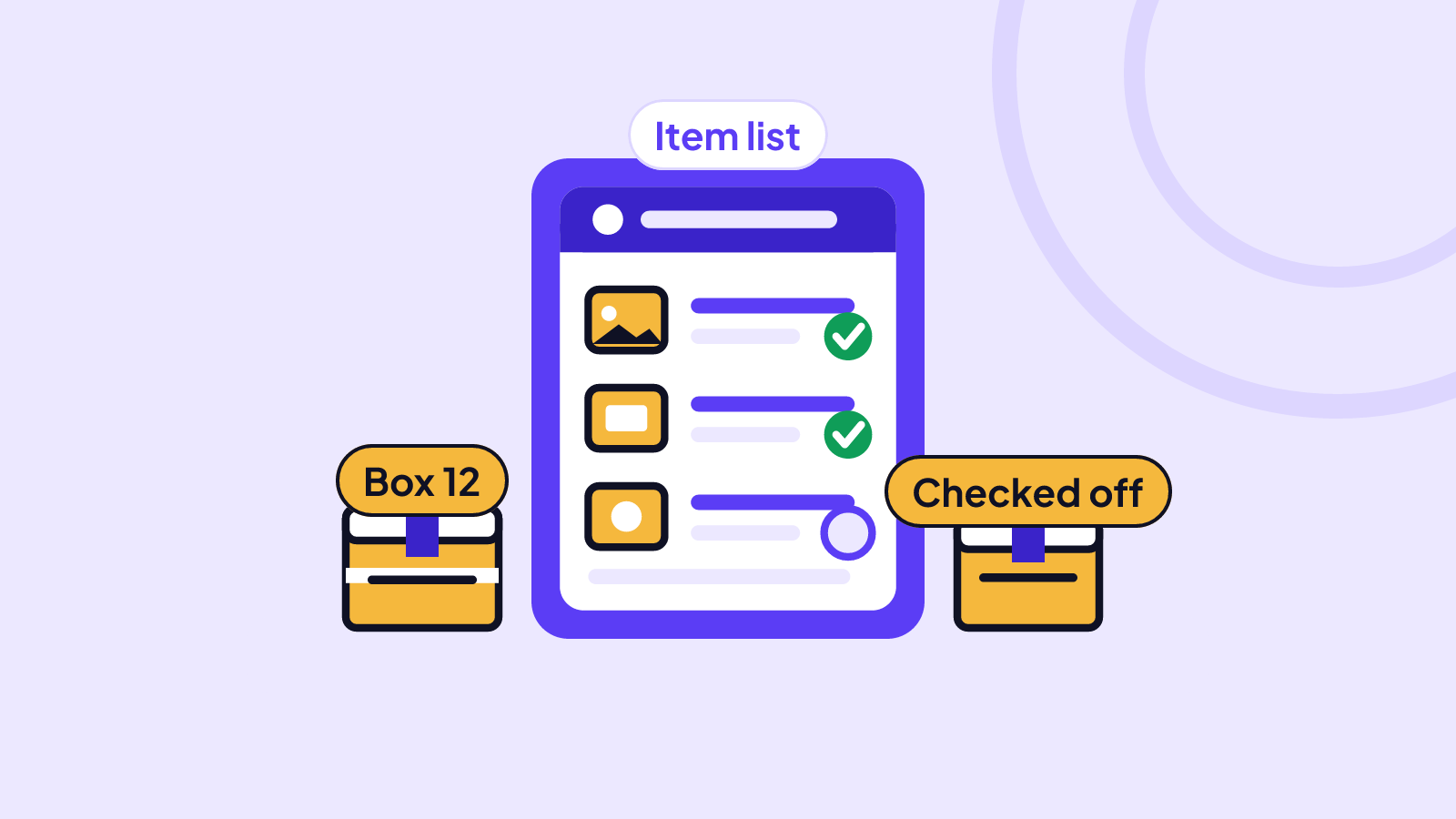
A good moving house inventory lists every item by room, with a box number, a photo, its condition and a rough value. Build it before packing starts, check items off as they arrive, and note any damage on the day, while the movers are still with you.
Key takeaways
- Make the list before you pack, room by room, with a photo and a box number for each item.
- Record condition, serial numbers and a current replacement value, not only what you paid.
- Carry high-value and hard-to-replace items yourself instead of putting them on the truck.
- Check the list off at the new place and note any damage before the movers leave.
- Keep the finished list afterwards: it is useful for selling, lending and family records.
Why make a list before you move?
Moves go wrong in small ways. A box goes missing, a screen cracks on a bumpy road, a charger ends up in the wrong room and you spend a week hunting for it. Without a list, you cannot say with confidence what was lost or damaged, and the movers cannot either.
A list also forces a useful decision: do you really want to carry everything? Many people find a few things they would rather sell, give away or leave behind. In Nigeria, where replacement costs have climbed with the weaker naira, an honest look at what you own helps you decide what is worth the cost of moving.
What should the item-by-item list include?
For each item, record:
- Name and room: for example, "Samsung fridge, kitchen".
- Box or bundle number: the same number written on the box, so you can match them on arrival.
- Photo: one clear shot of the item, plus a close-up of any existing scratch or dent.
- Condition: new, good, worn or already damaged, in a few words.
- Serial or model number: from the label on the back or base of electronics, appliances and generators.
- Purchase details: date, price, shop and a photo of the receipt if you still have it.
- Current value: what it would cost to replace today. A TV, fridge or inverter battery usually costs noticeably more now than when you bought it, so check current shop prices rather than relying on memory.
- Who carries it: you, a family member or the movers.
For furniture, add dimensions of large pieces so you can check they will fit through the new doorway and stairwell. For the generator, note that it should be drained and moved upright, as your mover advises.
If you want a ready-made room-by-room starting point, the home inventory checklist covers what to look for in each part of the house.
How do you build the list in an afternoon?
The trick is to work with your phone, not a notebook.
- Start with one room at a time. Walk in, photograph each item, and say its name aloud as you add it.
- Log items as you go. In VaultLog, VaultCova's asset register, you add each item with its value, and attach photos and receipts to it. Logging is free on every plan, and the Free Vault holds up to 30 assets, with larger plans holding more.
- Group by location. Individual Vault and above can view the vault by category and by location, so your old home's rooms become a tidy list you can read at a glance.
- Import an existing list. If you already have a spreadsheet, a Word document or a PDF of your belongings, Pro Vault and above lets you attach it in chat and Cova reads every asset into VaultLog, even from an untidy list.
- Scan receipts as you find them. On Pro and above, Cova can read a receipt you snap or share and offer to add the purchase to your vault.
- Export the list. Download a schedule of your assets as a PDF, which works on every plan, and keep one copy on your phone and one with a family member.
Most homes take two to four hours. Do not chase perfection: a photo, a name and a rough value for each item beats a perfect list that never gets finished.
How do you use the list on moving day?
- Number every box to match the list and note its room, so unpacking is quick.
- Keep valuables with you: jewellery, passports, certificates, laptops, phones, external drives and any cash. These are the things hardest to replace, and the ones you least want travelling in a truck.
- Give the movers a copy of the list and ask them to check the count as they load.
- Photograph the loaded truck and the sealed boxes before the vehicle leaves.
- Check off each item on arrival. Open and test electronics, appliances and furniture while the movers are still there.
- Write down any damage immediately, with photos, and get the mover to acknowledge it in writing. Disputes over a cracked screen are much easier to settle with a dated before-and-after photo.
If your new place is some distance away, such as a move from one city to another, allow for the road. Long journeys and rough roads are when fragile items suffer most, so wrap screens and glass well.
What do you do after you have unpacked?
The list is not finished once the boxes are flat. Take ten minutes to:
- Update each item's location to the new home or room.
- Mark anything damaged, replaced, sold or given away.
- Refresh values for items that cost more or less than before.
- Add new purchases, such as curtains, a new gas cooker or a replacement fan.
The same record then does a lot more for you. You can find a serial number in seconds, show a buyer how an item has been kept, and give your family a clear picture of what you own. The asset list for your family explains what your next of kin should be able to find. If you are curious what an asset register is and why it matters, read what an e-inventory is.
Frequently asked questions
Do I need to list every small item when moving?
No. List anything you would be unhappy to lose or expensive to replace, plus furniture and appliances. For small things such as cutlery or clothes, a box-level note like "Kitchen box 6: plates and pots" is enough.
Should I list items by room or by box?
Both. Record each item under its room at the old home, then give it the box number it travels in. That way you can look up a single item or check a whole box off at the new place.
What if I do not have receipts for my belongings?
A photo of the item, its serial number and a current replacement value from shop prices still gives you a useful record. If you find a receipt later, attach it to the item in VaultLog.
Can I keep the list on my phone only?
You can, but keep a second copy. Export the PDF schedule and share it with a trusted family member, so a lost or damaged phone does not take your record with it.
Start a vault and log your first few items in VaultLog before the packing tape comes out.